






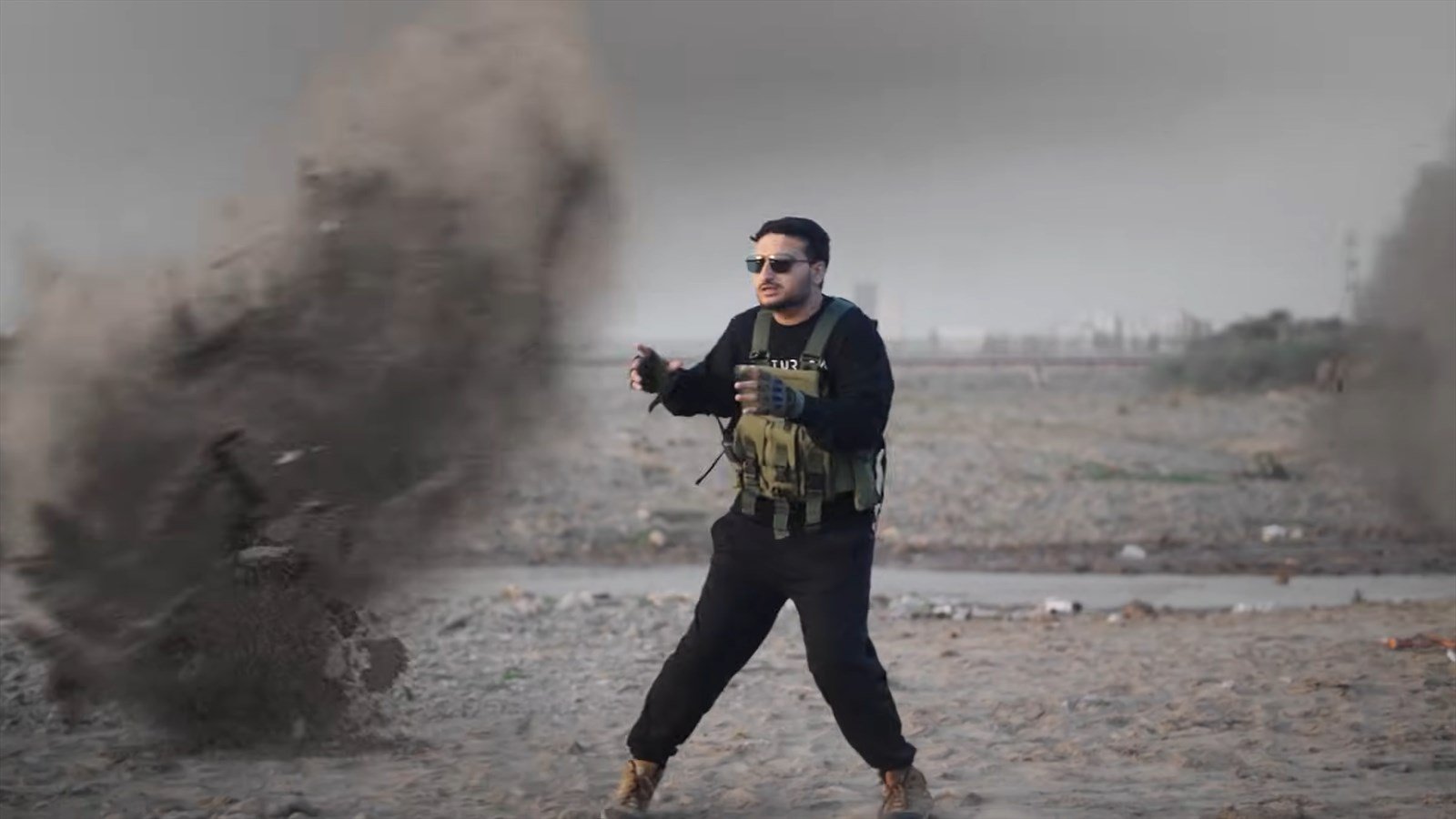

Every action film has that moment: a blast behind the hero, dust in the air, and the hero doesn’t even look back. Nobody actually blew anything up. The explosion was added later, by a VFX artist, sitting at a computer.
In this free class, we take a simple shot of a man in an empty field and add a cinematic blast to it, with no real explosion on set. Here is how to make an explosion effect in After Effects, step by step, the way the shot is built in the video.
What you need
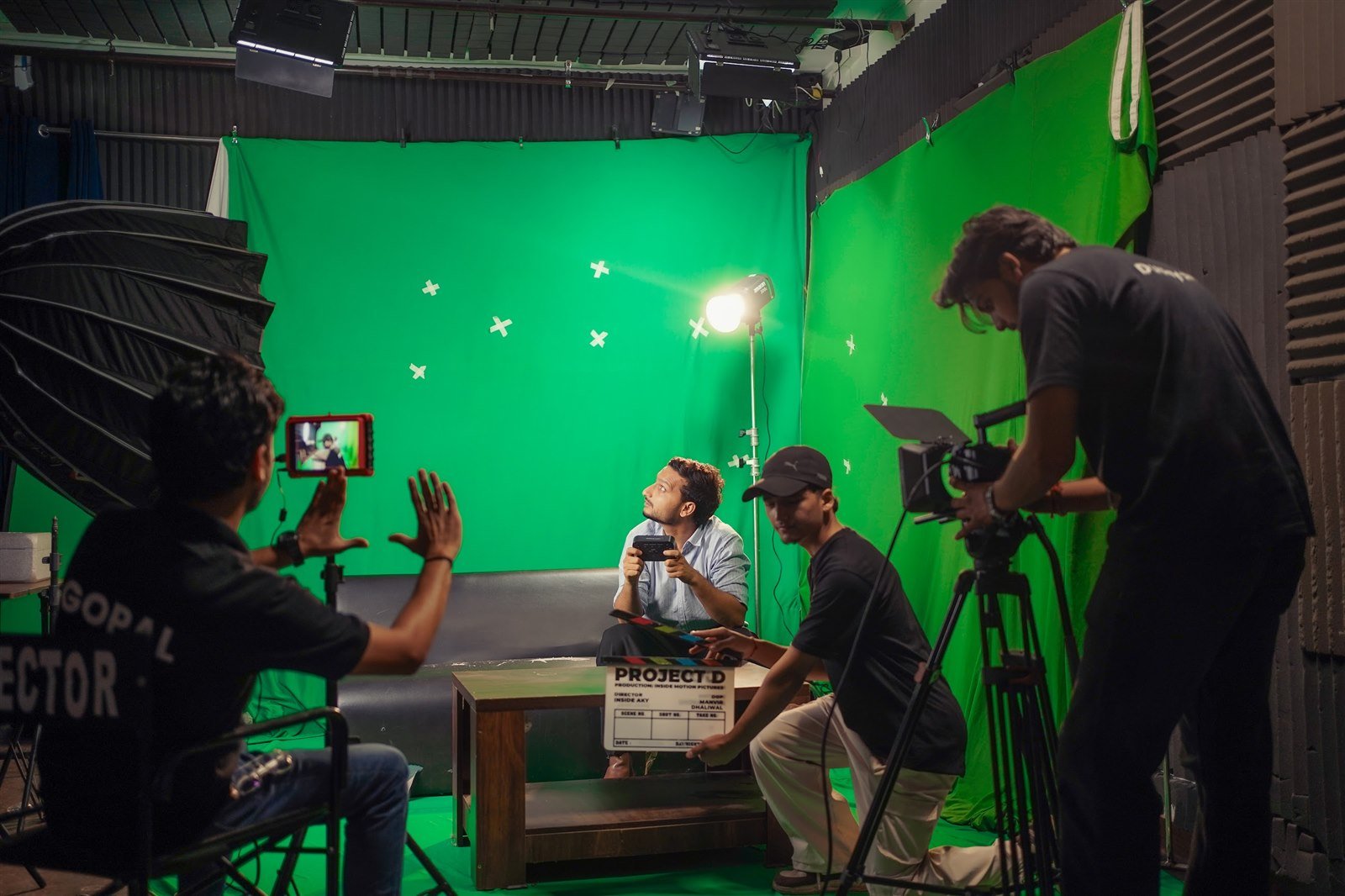
- A background shot with some depth: open ground, a road, a field. A slow camera move makes it more real (and the tracker needs some movement and detail to work).
- Explosion stock footage, ideally on a black or green background, plus extra elements: smoke, debris, dust.
- Adobe After Effects. Everything here uses built-in tools.
Step 1: Track the camera
If the camera moves and the explosion doesn’t, the trick breaks in one second. So first, After Effects has to understand how the camera moved:
- Make a new composition from your shot.
- Remove moving objects before tracking. The actor walking through the frame confuses the tracker, so mask him out of the analysis.
- Apply the 3D Camera Tracker and let it analyse the shot.
- Select track points on the ground, set the ground plane and create a camera.
- Create a solid from the 3D points where the blast should happen. This solid now sits “on” the ground and moves with the camera.
Watch the tracking steps (from around 0:45).
Step 2: Place the explosion
Bring in the explosion footage and give it the position of that tracked solid. Then set its position, scale and rotation by eye: how big would this blast be at that distance? Use objects in the shot (the man, a bush, a rock) as your scale guide. If the stock is on a black background, the Screen or Add blending mode removes the black.
In the video, the sky is also replaced at this stage to make the whole shot more dramatic. Watch from around 2:00.
Step 3: Match the colours
Stock explosions are usually bright and saturated. Your shot may be grey and overcast. Grade the explosion so its blacks, brightness and colour sit inside your shot. A blast that is “too clean” is the most common beginner mistake. Watch from around 4:00.
Step 4: Add detail, shadows and dust
One explosion clip looks like one explosion clip. Real blasts are messy. Layer more:
- Variation footage: a second blast element, debris, flying pieces, so the shape isn’t a stock-footage shape.
- Shadows and ground contact: darken the ground around the blast so it feels like it is really sitting on the earth.
- Dust footage: a layer of dust and smoke in front of and around the blast. This adds depth and blends everything together.
Step 5: Bring the actor back on top
The blast and dust now cover the actor, which is wrong: he is in front of them. So rotoscope the actor (Roto Brush is the quickest way), and put that cut-out layer on top of everything. Now the explosion sits behind him, and the shot finally reads as real. A small camera shake on the blast frame finishes it. Watch the final steps (from around 6:45).
Practise safely: fake an explosion
- Shoot a wide, steady clip of an open area with a little camera movement.
- Track the camera and place a stock explosion element at the ground point.
- Match its colours to your plate, then add light flicker on nearby surfaces.
- Finish with dust and a shadow, and bring any actor back on top.
- Track first so the explosion sticks to the ground.
- Colour-match the element to your footage.
- Light, dust and shadows make it believable.
- Never use real fire or blasts for practice; VFX is the safe way.
Questions people ask about explosion VFX
Explosion effect kaise banaye? (How do I make a blast effect?)
Shot ko 3D Camera Tracker se track karo, explosion footage ko us jagah par lagao, colour match karo, dhool aur shadow add karo, aur actor ko roto karke upar rakho. Track, place, match, add detail, roto: that is the whole recipe.
Why does the 3D Camera Tracker fail?
Usually because of moving objects in the frame, too little detail (a plain sky or wall), heavy motion blur or a shot that is too short. Mask out moving people, and try “Detailed Analysis” in the tracker settings.
Where can I get explosion footage?
Use stock VFX elements made for compositing, on black or green backgrounds. Check the licence before using them in paid work.
Can I make an explosion without stock footage?
Yes, with simulation tools like EmberGen or Blender, but that is a bigger step. See how we built fire from scratch in how to make realistic fire VFX with EmberGen and Blender.
Keep learning: how to remove green screen in After Effects and the miniature (tiny person) effect.
Learn VFX on real projects
Watching a tutorial teaches the steps. Doing them on a real shot, with someone checking your work, is how they stick. In the Pro VFX + AI course at Inside Film Institute, students track, composite and finish real shots for music videos and films. If you love cinema and want to learn it by doing, start here:
We Love Cinema.
Rate this blog
Know someone who loves cinema? Send them this.
Comments
No comments yet. Be the first to share a thought.


