The Inside Institute

by team.inside

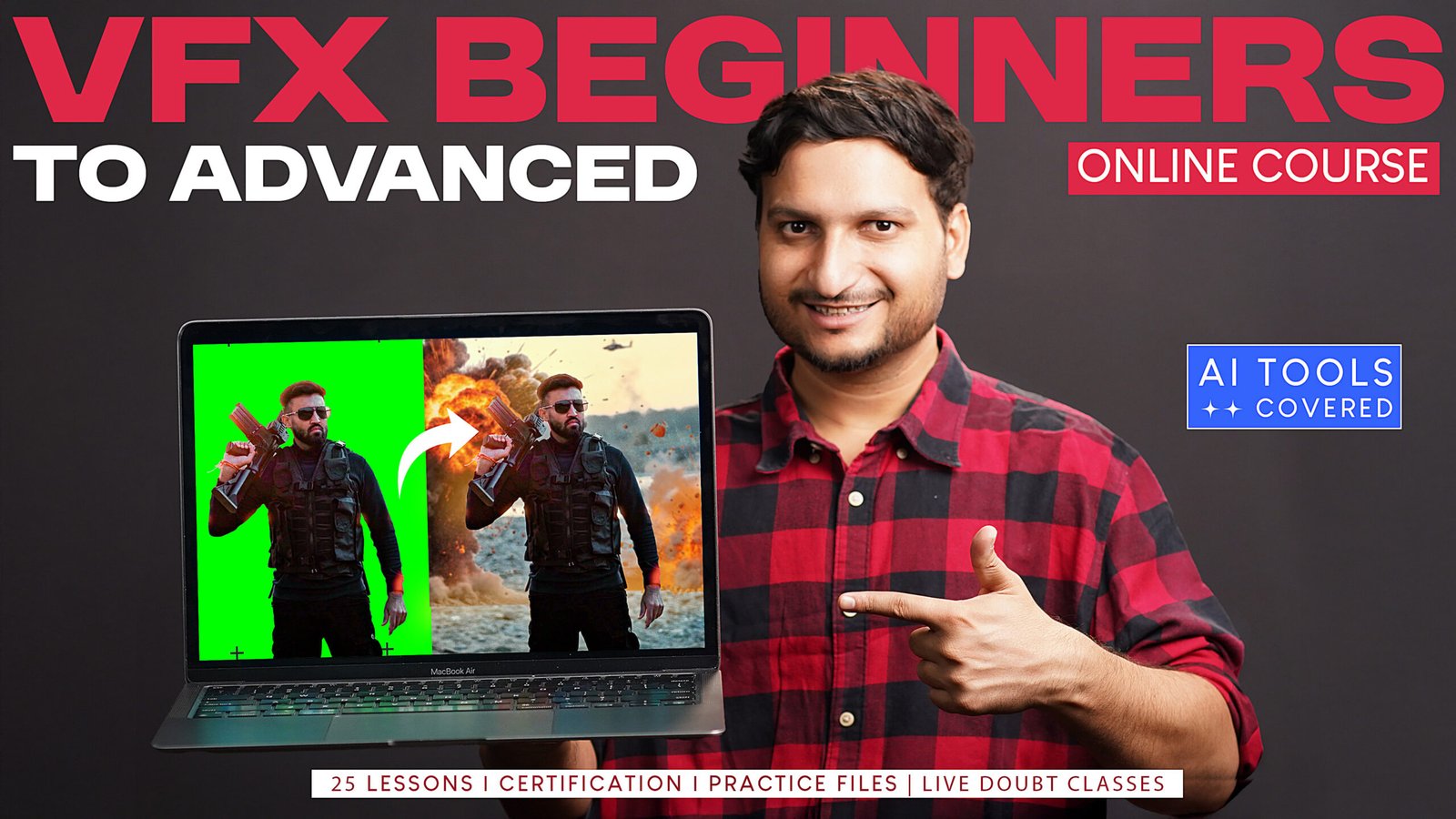
VFX Beginners to Advanced Course

Course level:All Levels
Free
Free access this course

Overview

Learn VFX from the fundamentals of shooting and green screen setup to advanced compositing techniques used in professional workflows.

This comprehensive course covers green screen production, lighting, camera settings, rotoscoping, tracking, keying, matte painting, parallax, asset compositing, cleanup, AI-assisted compositing, expressions, advanced tools and practical VFX case studies.

Students will work through practical concepts, assignments and project-based lessons using Adobe After Effects, Adobe Photoshop and Mocha AE.

What I will learn?

  • Understand the complete VFX workflow from shooting to final compositing
  • Set up and shoot professional green screen footage
  • Create suitable lighting setups for VFX production
  • Configure camera settings for better compositing results
  • Understand practical VFX shooting techniques and common mistakes
  • Perform professional rotoscoping using multiple techniques
  • Apply 2D, planar, mesh and 3D tracking
  • Work with Mocha AE for tracking and rotoscoping
  • Create and refine professional green screen keys
  • Work with mattes, hair refinement and spill removal
  • Create matte paintings and parallax effects
  • Integrate particles, smoke, fire and other visual effects
  • Apply multi-pass compositing techniques
  • Match colour, lighting, blur, noise and grain between elements
  • Perform professional paint-out and cleanup work
  • Use AI Generative Fill in modern VFX workflows
  • Create animation and expressions in After Effects
  • Use advanced compositing tools and effects
  • Work through practical VFX case studies
  • Understand professional VFX workflows and career opportunities

Course Curriculum

Topic 1: Course Introduction
Get familiar with the course structure, software, learning roadmap and the practical VFX concepts that will be covered throughout the program.

  • Lesson 1: Course Details & Syllabus
    03:25

Topic 2: VFX Shooting Fundamentals
Learn how to capture footage correctly for VFX. This section covers green screen setup, lighting, camera settings and practical shooting techniques that make post-production easier and more accurate.

Topic 3: Rotoscoping
Learn how to isolate people and objects from footage using professional rotoscoping techniques including Rotobrush, masks, Mocha and tracking-assisted workflows.

Topic 4: Tracking Techniques
Learn the major tracking techniques used in VFX, including 2D, planar, mesh and 3D tracking. Understand when each method should be used and how tracking data integrates with compositing workflows.

Topic 5: Keying & Green Screen Compositing
Learn how to remove green screen backgrounds professionally and refine difficult areas such as edges, reflective objects and hair.

Topic 6: Matte Painting & Parallax
Understand how environments can be created or extended using matte painting techniques, perspective, lighting, cameras and parallax.

Topic 7: Asset & Multi-Pass Compositing
Learn how multiple visual elements are combined into a single believable shot while matching movement, lighting, colour, blur, grain and other visual characteristics.

Topic 8: Paint-Out & Cleanup
Learn how unwanted elements can be removed from footage and backgrounds reconstructed while maintaining natural motion, texture and image quality.

Topic 9: AI-Assisted VFX
Understand how AI Generative Fill can support modern VFX workflows for object removal, background replacement and environment extension.

Topic 10: Animation, Expressions & Effects
Learn additional After Effects techniques that can enhance VFX shots through procedural animation, expressions, distortion, movement and creative effects.

Topic 11: Advanced Compositing
Learn finishing techniques that help separate basic composites from professional-looking VFX shots.

Topic 12: VFX Case Studies
Apply the techniques learned throughout the course by studying practical VFX projects and understanding how different tools are combined in complete shots.

Topic 13: Career & Course Completion
Conclude the program with guidance on progressing as a VFX artist and understanding how the skills developed throughout the course can be applied professionally.

Student Ratings & Reviews

No Review Yet
No Review Yet

This Course Is For

  • Complete beginners interested in learning VFX
  • Students who want to build professional compositing skills
  • Video editors looking to move into visual effects
  • Content creators interested in creating advanced VFX videos
  • Aspiring VFX and compositing artists
  • After Effects users who want to improve their technical skills
  • Students looking for practical project-based VFX training

Requirements

  • A computer capable of running professional VFX software
  • Adobe After Effects installed
  • Adobe Photoshop installed
  • Access to Mocha AE
  • Basic computer knowledge
  • No previous professional VFX experience is required
  • Follow the lessons in the recommended sequence
  • Complete practical assignments before progressing to advanced sections
  • Regular practice is recommended for the best learning outcome

Material Includes

  • Video lessons
  • Practical VFX exercises
  • Course assignments
  • Practice footage
  • Green screen practice material
  • VFX project assets
  • Exercise files
  • Case study projects
  • Reference material
  • Project files where applicable

Explore other online courses

Want to receive push notifications for all major on-site activities?

✕