



An editor is the last writer of a film. The same footage can feel slow or thrilling, funny or sad, depending only on where you cut. The good news: most of what makes editing feel “professional” comes down to a few habits you can learn fast. Here are the ones we teach first, with short lessons from our team.
The types of cuts every editor uses
| Cut | What it is | Use it for |
|---|---|---|
| Hard cut | one shot ends, the next begins | most of any film |
| Jump cut | a cut inside the same shot, so time jumps | vlogs, energy, passing time |
| J-cut | the next scene’s sound starts before its picture | pulling the viewer smoothly into a new scene |
| L-cut | the sound carries on after the picture has cut | dialogue, reactions, emotion |
| Match cut | two shots linked by a shape, movement or action | clever, memorable transitions |
| Cutaway | a short shot of something else, then back | hiding a mistake, adding detail |
Habit to build: cut on action. If a hand reaches for a door in the wide shot, cut to the close-up while the hand is still moving. The movement hides the cut.

Speed ramping in Premiere Pro
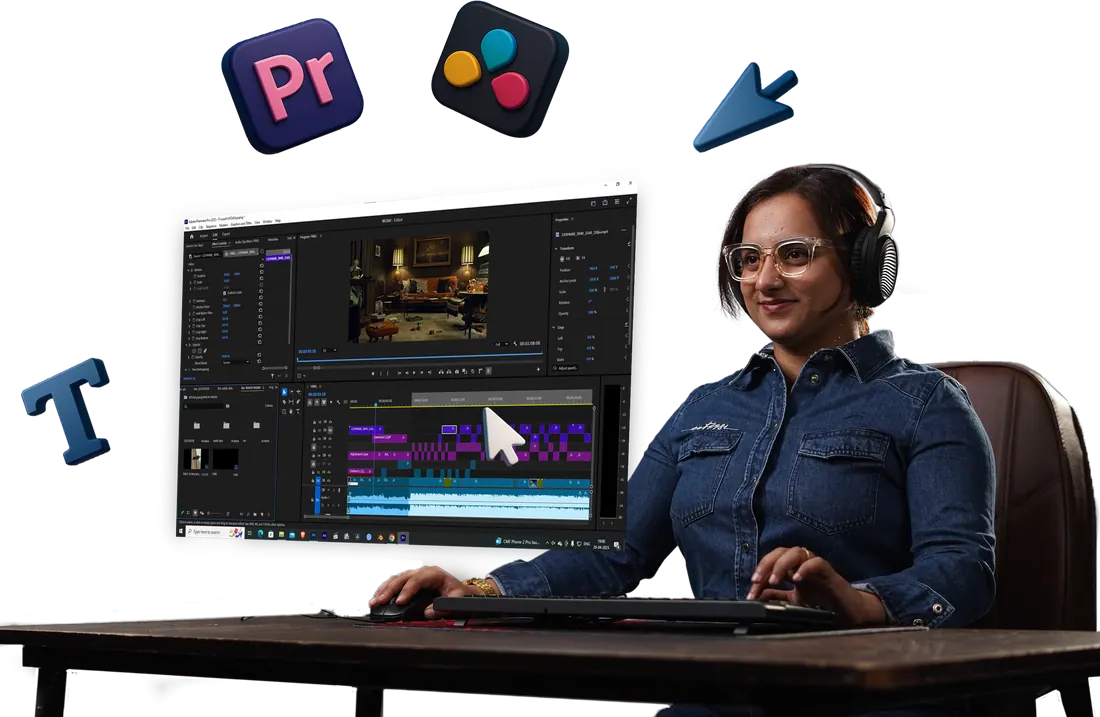
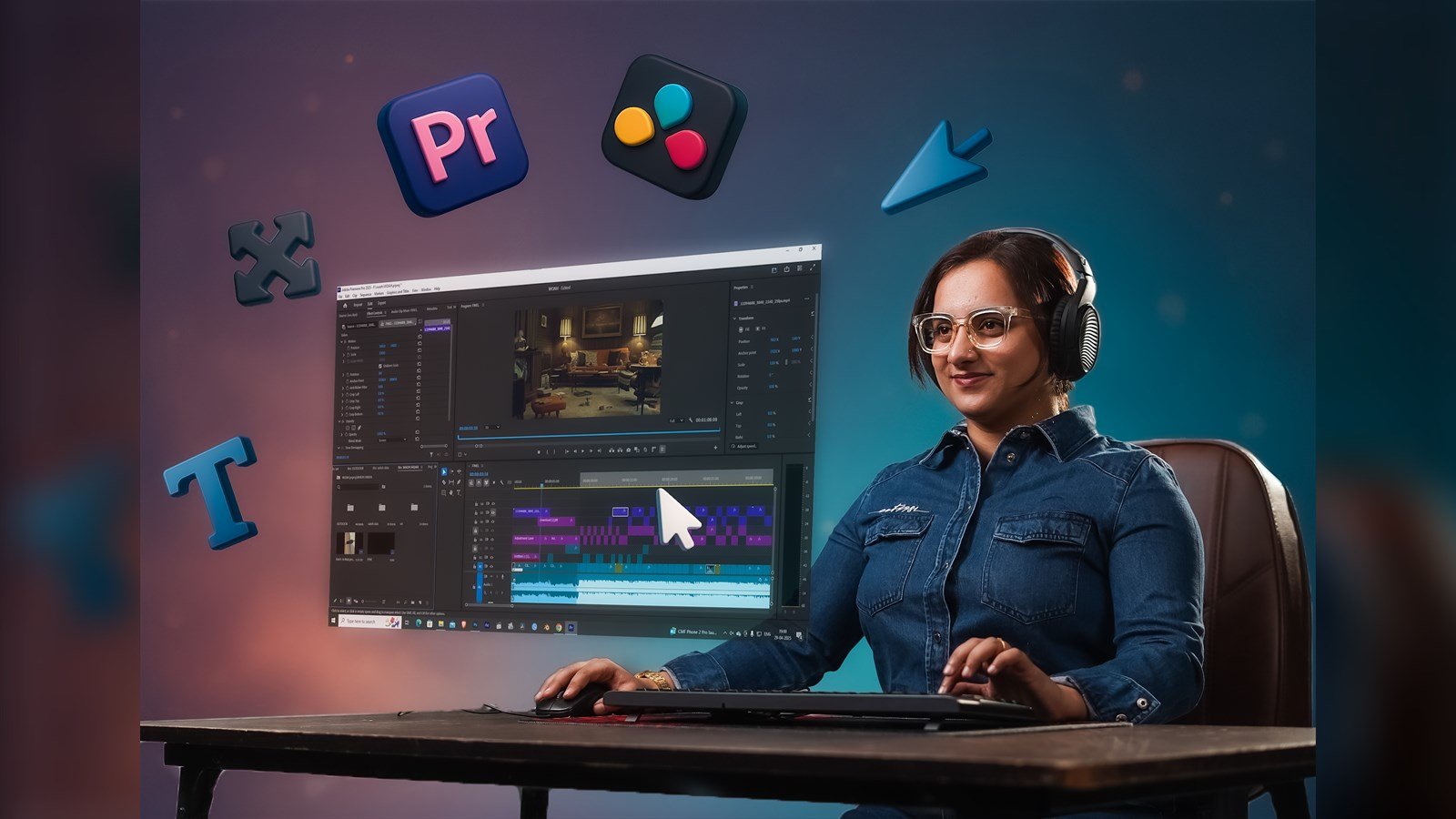
A speed ramp is when a clip slows down and speeds up inside one shot: normal, then slow-motion at the big moment, then fast again. It’s everywhere in music videos and travel reels. Akhil Kumar Yadav (InsideAKY) shows how to build one with time remapping in Premiere Pro:
Watch: Speed ramping in Premiere Pro (Instagram)
Tip: shoot at a higher frame rate (50 or 60 fps) if you plan to slow a moment down. Then the slow part stays smooth.
Multicam editing: two or more cameras, one timeline
Podcasts, interviews, events and live shows are often shot on two or more cameras at once. Multicam editing lets you sync all angles and switch between them as the scene plays, like a live TV director. InsideAKY walks through it in Premiere Pro:
Watch: Multicamera video editing in Premiere Pro (Instagram)
Syncing works best when every camera hears one clear sound at the start: that’s what the clap is for. More here: Why Is a Clapperboard Used?
Five habits of good editors
- Organise first. Folders for video, audio, music and graphics, named clearly. Ten minutes here saves hours later.
- Story before effects. Build the rough cut first. Transitions and grading come last.
- Sound is half the edit. Clean dialogue, the right music and small sound effects make cheap footage feel expensive.
- Learn the shortcuts. Cut, ripple delete and zoom by keyboard, and you’ll edit twice as fast.
- Watch it fresh. Take a break, then watch the whole edit once without stopping. You’ll feel where it drags.
After the edit comes colour: DaVinci Resolve colour grading tutorial.
A 30-minute editing drill
- Take any 2–3 minutes of your own footage, or a scene you shot on your phone.
- Cut it once with only hard cuts. Then add one J-cut and one L-cut where the sound leads.
- Try one speed ramp on a moment of action.
- Export, watch it on your phone, and remove any shot that doesn’t move the story.
Go deeper: How to Learn Video Editing: the Editor’s Mindset.
- Know your cuts: hard cut, jump cut, J-cut, L-cut, match cut and cutaway.
- Speed ramps work best on one strong moment, not everywhere.
- Multicam saves hours when two or more cameras shoot the same scene.
- Good editors watch every take before choosing.
Frequently asked questions
What are the basic types of cuts in video editing?
Hard cut, jump cut, J-cut, L-cut, match cut and cutaway. Most films are built mainly from hard cuts, with the others used for rhythm and flow.
What is speed ramping?
Changing the speed of a clip within one shot, for example normal speed, then slow motion, then fast again. In Premiere Pro it’s done with time remapping.
What is multicam editing?
Editing footage from two or more cameras that recorded the same moment. The angles are synced, and you switch between them on one timeline.
Which software is best for beginners in video editing?
Premiere Pro and DaVinci Resolve are both used in the industry. DaVinci Resolve has a strong free version, and the skills move easily from one to the other.
How long does it take to learn video editing?
You can learn the basics in a few weeks of daily practice. Good taste in rhythm and story comes from editing many real projects.
What is a J-cut and an L-cut?
In a J-cut the sound of the next shot starts before its picture; in an L-cut the sound of the previous shot continues over the next picture. Both make cuts feel smooth.
Learn it on real projects
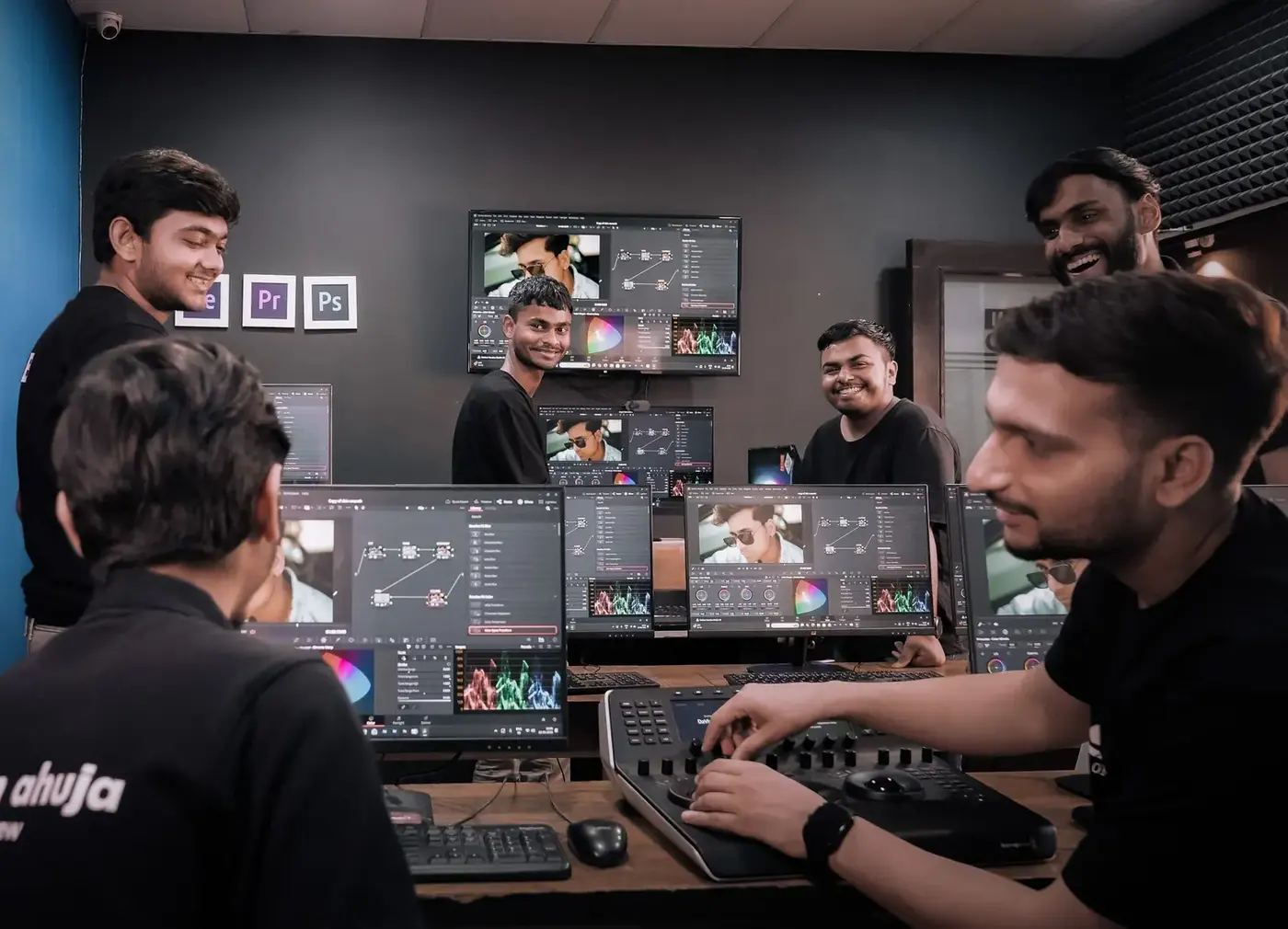
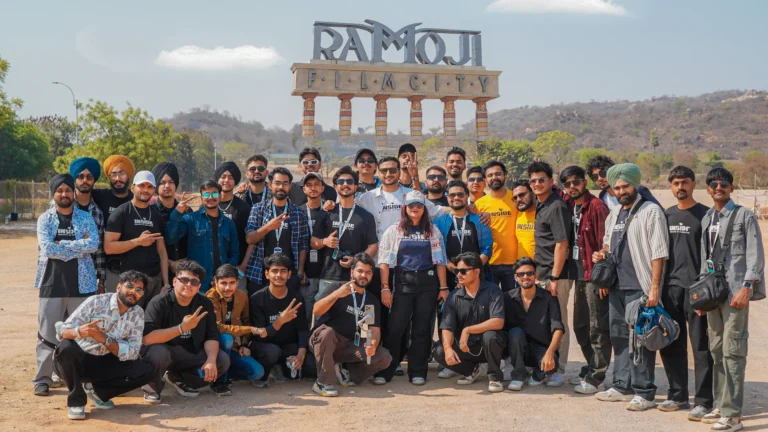
At Inside Film Institute in Panchkula, editing students cut real films, music videos and web series made by Inside Motion Pictures, not practice clips. See Video Editing using AI and Pro Filmmaking, and when you’re ready, take the first step.
We Love Cinema.
Rate this blog
Know someone who loves cinema? Send them this.
Comments
No comments yet. Be the first to share a thought.


