
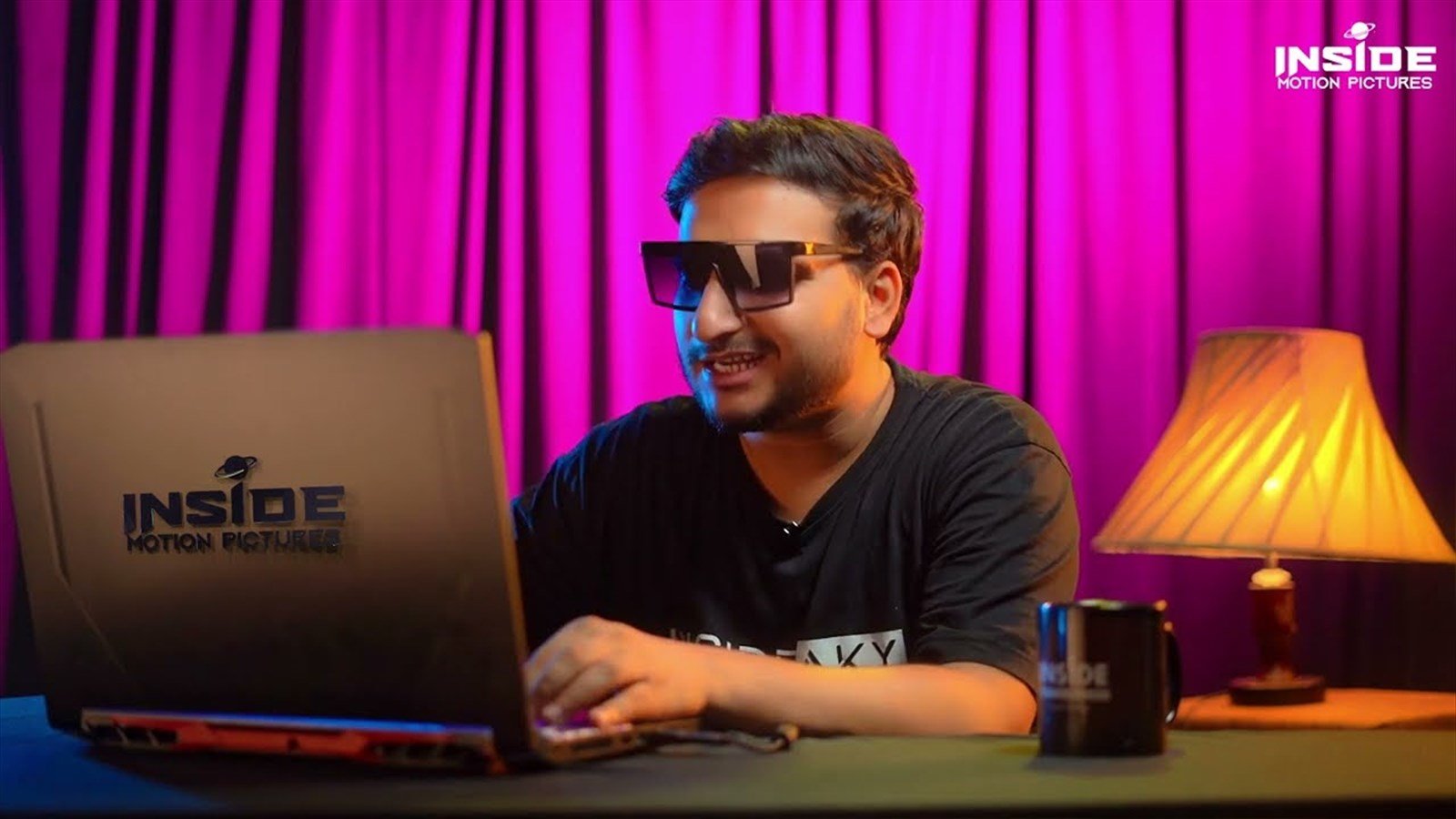
Midjourney is an AI tool that turns a written description (a prompt) into images. For filmmakers it’s a fast way to try ideas: a poster look, a set mood, a sci-fi world, a colour palette. In this 2022 video, InsideAKY tries it live and shows how prompts, upscales and variations work.
Note: when this video was made, Midjourney worked inside Discord through a bot and needed an invite. The tool and its plans have changed since then, so check the Midjourney website for how to start today. The way you write prompts and choose results is still the same idea.
How it works, in four steps
- Write a prompt (4:38). Say what you want to see, then add the style. In the video, prompts are built like: subject, then words such as realistic, photo-real, cinematic, a colour, 4K.
- Wait for the grid. The image starts as a blurry sketch and gets more detailed as it finishes. You get four options (5:27).
- Upscale or vary (5:56). The U buttons make a bigger, cleaner version of one image. The V buttons make new versions in the same direction. You can also re-roll for completely new ideas.
- Save the full-resolution image and use it as a reference (9:44).

Prompt tips from the video
- Be specific about the look: words like cinematic, bright light, sci-fi or orange-and-teal change the result a lot.
- Mix unexpected ideas to get fresh images; strange combinations often give the most interesting frames.
- Judge and pick. Not every result works. In the video, one idea (a black hole) didn’t turn out well, so it was dropped and a new prompt was written (11:35).
- Sometimes the result looks more like a painting than a photo. Adding photo-real words helps.
Where AI art helps a filmmaker
InsideAKY’s view in the video: it’s great for posters and for getting a base structure or lots of ideas quickly, which you then build on yourself (11:05). Use it for mood boards, look references, concept frames and pitch decks. The story, the taste and the final choices still come from you.
Worried about what AI means for your career? Read Will AI Replace VFX Artists and Video Editors?
Use AI images the filmmaker’s way
- Write a prompt for one scene: subject, place, time of day, lens and mood.
- Generate a few versions and pick the one closest to your idea.
- Turn it into a shot list: what would you shoot for real, and how?
- Keep AI images for moodboards and storyboards; shoot the film yourself.
Will AI replace artists? Read Will AI Replace VFX Artists and Video Editors?
- A good prompt names subject, place, light, lens and mood.
- The video shows the 2022 Discord workflow; Midjourney also works on its own website now.
- Filmmakers use AI art for moodboards, storyboards and concept art.
- Your taste decides the final image.
Frequently asked questions
What is Midjourney?
An AI image tool that creates pictures from a text description called a prompt.
How do I write a good Midjourney prompt?
Describe the subject clearly, then add style words: the kind of light, colours, camera feel and quality, like cinematic or photo-real.
What do U and V mean in Midjourney?
U upscales one of the four images to a bigger, cleaner version. V makes new variations based on that image.
Can filmmakers use AI art?
Yes, as a tool for ideas: mood boards, posters, concept frames and pitch decks. It speeds up the thinking, not the storytelling.
Can I use Midjourney for film storyboards?
Yes. Many filmmakers use AI images for moodboards and storyboards to explain the look of a scene to the crew, then shoot the real thing.
Use AI the right way, on real projects
At Inside Film Institute in Panchkula, students use AI tools alongside real shooting, editing and VFX on projects by Inside Motion Pictures. See Pro VFX + AI and Video Editing using AI, and when you’re ready, take the first step.
We Love Cinema.
Rate this blog
Know someone who loves cinema? Send them this.
Comments
No comments yet. Be the first to share a thought.


