







Compositing is the part of VFX where separate pieces (your footage, a new background, 3D objects, smoke, light) are put together so they look like one real shot. The trick is never one big effect. It is lots of small matches: perspective, movement, edges, colour, light and haze. Here are three compositing tutorials by InsideAKY, from simple to advanced.
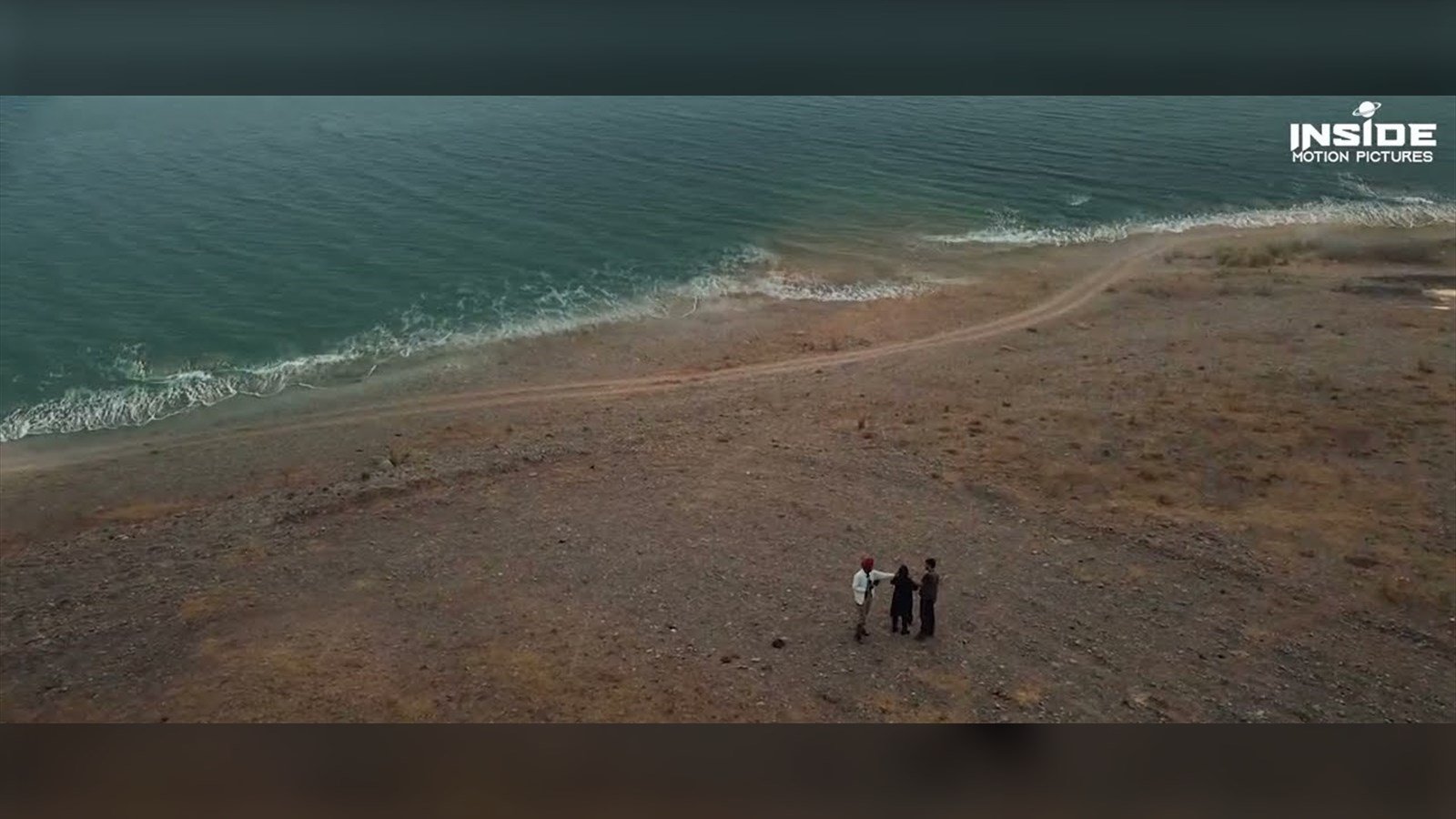
Example 1: Turn dry land into an ocean
- Track the camera with the 3D Camera Tracker (0:37).
- Remove a patch: duplicate the footage, freeze a frame, slide it a little, mask a clean area and stick it over the patch using a tracked null (1:05).
- Mask the land edge with a tracked solid and use it as an alpha matte, so the new background only shows where the ground was.
- Pick water footage with the same perspective, then stabilise it with a two-point track so it holds still (1:57).
- Place the water in 3D using a null from the camera track. Rotate it with the Rotation values, not Orientation. Mask and feather the edge, then duplicate it left and right to extend it (2:51).
- Add waves at the edge: key out the blue of a wave clip with Keylight, use Extract to keep only the bright foam, and line it along the shore (4:49).
- Match the colour: Curves to pull the highlights and darks in line with the original, Hue/Saturation to match the saturation and water tint (6:41).
- Finish: a grey, feathered 3D solid placed deep in the scene makes simple fog; add cinema bars and a Lumetri grade (7:46).
Example 2: 3D planets with Element 3D
- Track the camera, set the ground plane, and create a 3D null where the planet should sit.
- In Element 3D, make a sphere, raise its segments for detail, set the UV mapping to Spherical and load a planet texture. Reuse the texture (desaturated) for gloss and bump (1:34).
- Add a plane with a Matte Shadow material so the ground catches the planet’s shadow, and turn on ambient occlusion.
- Light it like the real scene: a key light from the sun’s direction, a top light and a soft ambient light, plus an environment map made from your own footage (5:00).
- Make it look filmed: Lumetri to match colour, a little noise for grain, and a small Median or blur so it isn’t sharper than the footage. Objects further back get more softness (7:24).
- For a ring of floating rocks, replicate a rock model in a ring with particles, randomise size and scatter, and rotate the group null slowly.
Example 3: A stadium crowd from a few friends
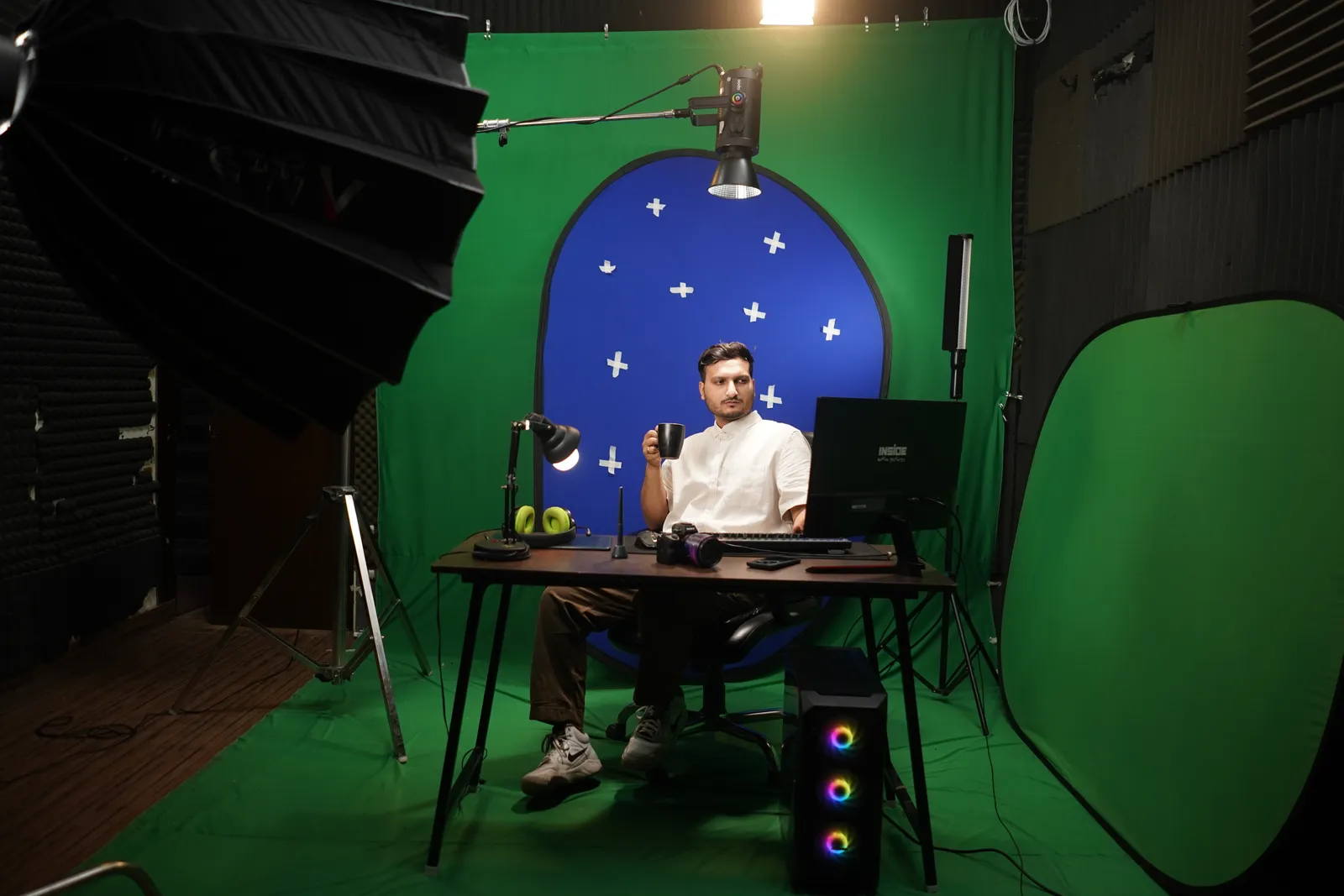
- Shoot four or five friends on a green screen, each doing a few different actions, in different clothes (0:50).
- Key them, place them on a stadium background and duplicate them (Ctrl+D). Keep the same person far apart from their copies, or the eye spots the repeat.
- Add phone-camera flashes with an Optical Flares layer, keyframing brightness and scale.
- Add depth with Camera Lens Blur on an adjustment layer, using a Gradient Ramp (precomposed) as the blur map (3:10).
- For thousands of people, use a particle system: the keyed people become the particle textures, gravity goes to zero, the emitter becomes a box, and you spread it along the depth axis (4:46).
Compositing builds on motion tracking, roto and green screen keying. Learn those first.
A compositing exercise
- Shoot one plate of a person and one empty background from the same angle.
- Key or roto the person and place them on the background.
- Match light direction, colour and contrast.
- Add one shadow and a touch of grain so both layers feel like one image.
- Compositing means combining layers into one believable image.
- Match light, colour, contrast and grain between layers.
- Shadows and contact points sell the shot.
- Shoot your plates with the composite in mind.
New to the terms? Read the difference between VFX, CGI and SFX.
Frequently asked questions
What is compositing in VFX?
Combining separate elements, like footage, backgrounds, 3D objects and effects, into one shot that looks as if it was filmed for real.
Why does my composite look fake?
Usually the light, colour, grain or sharpness doesn’t match. Match highlights and shadows with Curves, add grain, and soften CG to the level of the footage.
Is After Effects enough for compositing?
Yes, for a lot of work. Bigger studios also use node-based tools, but the ideas are the same: track, key, roto, match and finish.
How do you make a big crowd with only a few people?
Shoot a few people on green screen doing different actions, then duplicate and spread them, or use them as particles for very large crowds.
Learn VFX on real shots
At Inside Film Institute in Panchkula, students composite shots for real music videos and films by Inside Motion Pictures. See Pro VFX + AI, and when you’re ready, take the first step.
We Love Cinema.
Rate this blog
Know someone who loves cinema? Send them this.
Comments
No comments yet. Be the first to share a thought.


